Step 1
Click on the green Generate Payment Request Button

Step 2
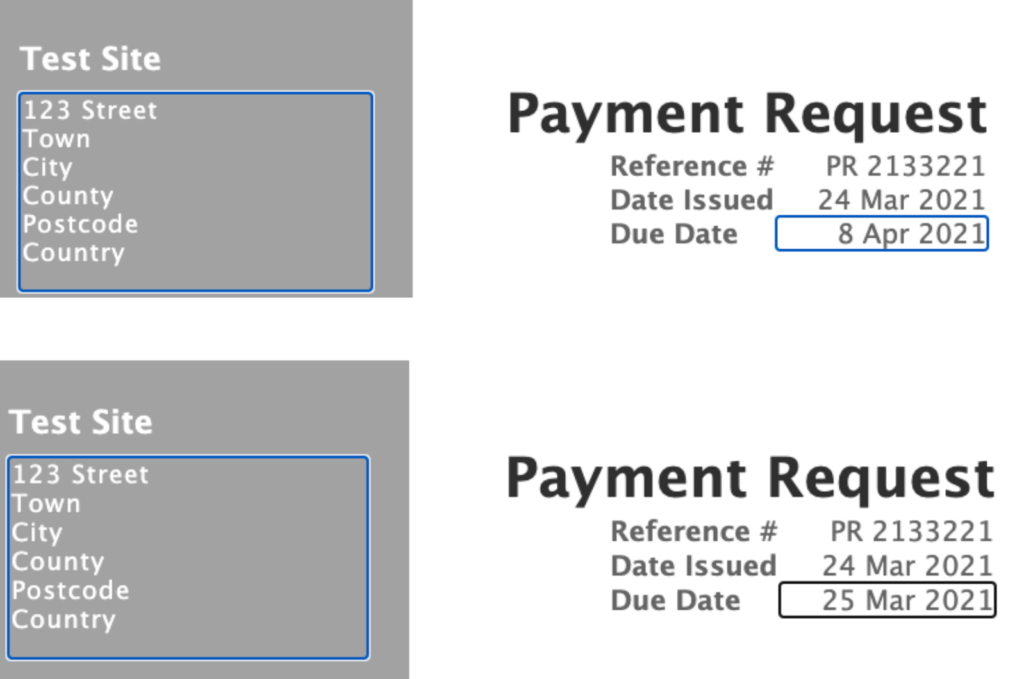
Change the due date by manually typing over the date in the blue rectangle
Step 3
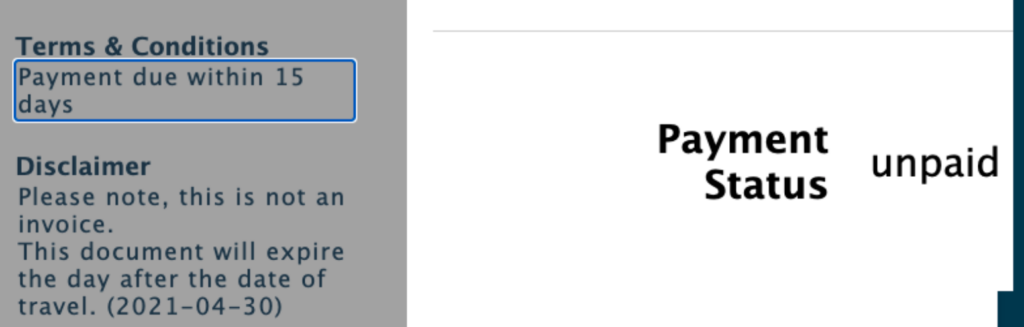
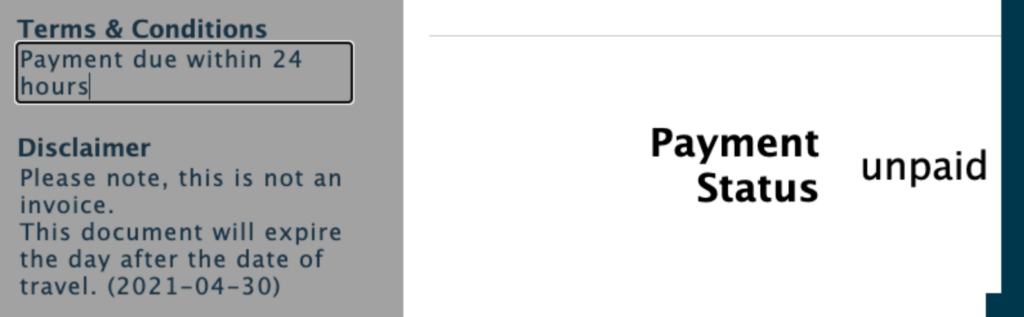
Change the Terms & Conditions by typing over the pre populated words in the blue rectangle

Step 1
Click on the green Generate Payment Request Button
Step 2
Change the due date by manually typing over the date in the blue rectangle
Step 3
Change the Terms & Conditions by typing over the pre populated words in the blue rectangle